AI Skills Course in Pakistan
The SkillsVerx AI Skills course teaches you to use AI assistants like ChatGPT, Gemini, Claude and Perplexity well in daily life, study and work. It is built for complete beginners, with no coding. You learn to prompt, research with sources, fact-check, write and summarise, and finish able to choose the right AI tool for any task.
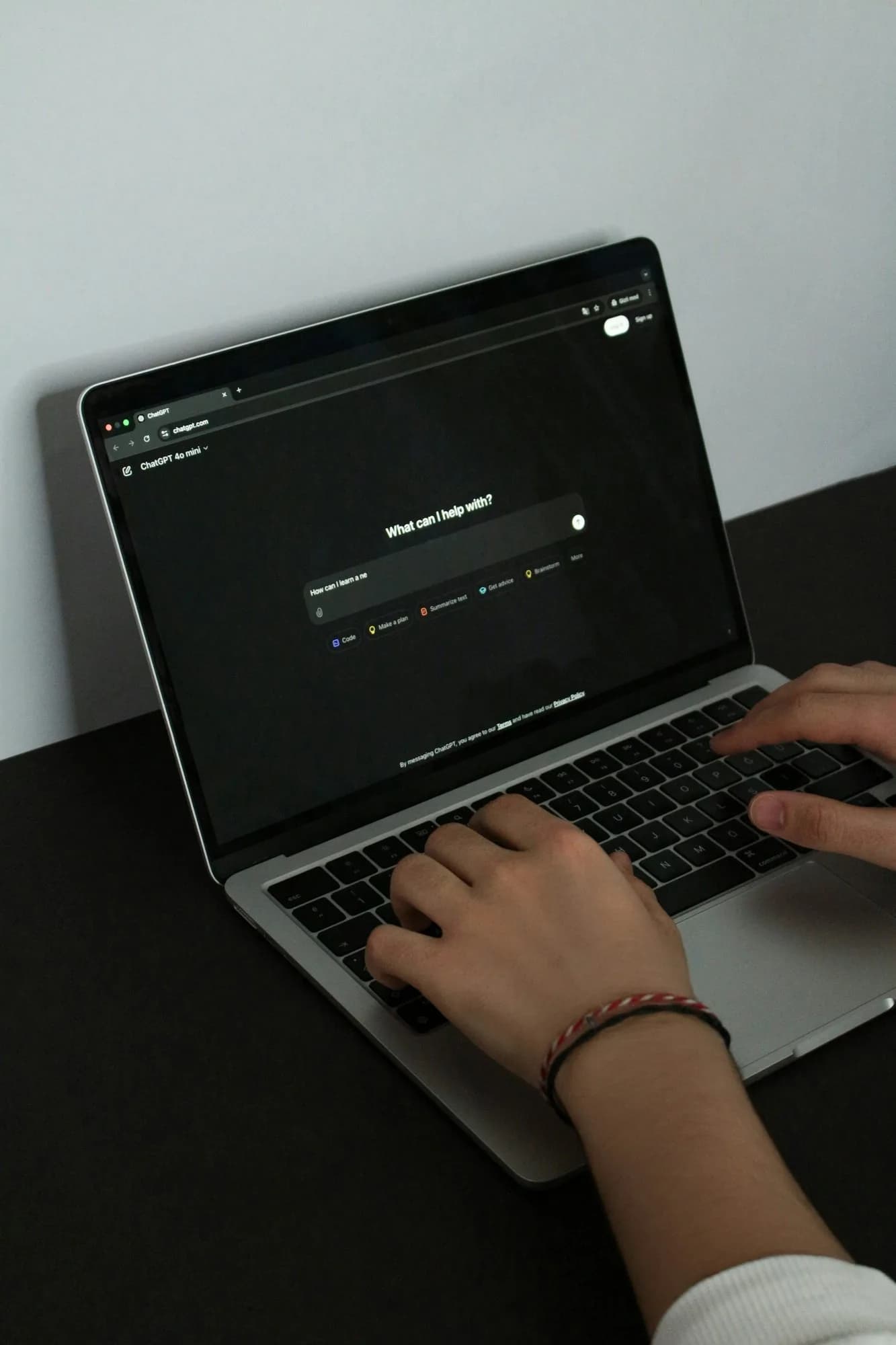
Covers
What you will learn
- Prompting ChatGPT, Gemini and Claude so the first answer is close to what you need
- Research with Perplexity and AI search, with every claim traced to a source
- Fact-checking AI answers and spotting hallucinations before they cost you
- Writing emails, applications, CVs and messages with AI, in your own voice
- Summarising long documents and PDFs with Gemini Notebook, ChatGPT and Claude
- Planning, budgets and spreadsheets in Google Sheets and Excel with AI help
- Images and voice: creating visuals and talking to an assistant hands-free
- Your own assistants: Projects in ChatGPT and Claude, and Gems in Gemini
- Privacy, safety and picking the right AI tool for each job
Is it for you
Who this course is for
- Students who want to study faster with AI and still do their own thinking and writing.
- Jobseekers who want sharper CVs, cover letters and interview practice, and AI skills to list on them.
- Freelancers and office workers who want to cut the time spent on emails, research and reports.
- Shop and small business owners who want help with customer messages, product posts and simple records.
- Parents and everyday users who want to use AI safely and help their family do the same.
Tiers
Pick how deep you go
Every tier below actually runs for this course. Pick one to see its batches and duration.
Crash
Crash · 2 days2 daysOne focused skill or tool, learned over a weekend.
Sprint
Sprint · 30 days30 daysOne core skill and your first hands-on projects.
Track
Track · 45 days45 daysA full skill plus a portfolio you can show.
Pro
Pro · 60 days60 daysDeep mastery, client-style work and career support.
Bootcamp
Bootcamp · 45-90 days45 to 90 daysThe advanced, most detailed level of the course.
Syllabus
What each module covers
How AI Assistants Work
What a chatbot like ChatGPT, Gemini or Claude actually does when it answers, and why it can sound sure and still be wrong. You set up free accounts, turn on the privacy settings that suit you, and run the same question through three assistants to see how differently they reply.
Prompting That Gets Useful Answers
How to give an assistant a role, the task, your context and the format you want, then improve the answer with follow-ups instead of starting over. You build a personal prompt library for the jobs you repeat every week, tested and saved in a document you keep.
Research, Citations and Fact-Checking
Using Perplexity and the search features in ChatGPT and Gemini to answer real questions with linked sources. You open every source, check that it says what the AI claims, and learn the warning signs of a made-up fact, quote or reference.
Writing, Emails and Everyday Messages
Drafting emails, job applications, cover letters, complaints and customer replies with AI, then editing them until they sound like you. You practise changing tone for a teacher, a boss, a client or a customer, and learn what never to hand over to a chatbot.
Summarising Documents and PDFs
Turning long reports, notes, policies and PDFs into short summaries you can trust. You work in Gemini Notebook (formerly NotebookLM), ChatGPT and Claude, ask for exact quotes with page references, and compare each summary against the original.
Planning, Spreadsheets and Data
Using AI to plan a study timetable, a household budget, an event or a week of work. In Google Sheets and Excel you get formulas explained and written for you, clean up a messy list, and ask questions of a small table of real numbers.
Images, Voice and Your Own Assistants
Creating simple images with Gemini and ChatGPT, and using voice mode to think out loud or practise an interview. Then you set up a Project in ChatGPT or Claude, or a Gem in Gemini, with your own instructions and files, so one assistant remembers how you work.
Choosing Tools, Staying Safe and Final Project
Comparing assistants on the same task and picking the right one for each job. You set personal rules for privacy, school and workplace AI policies, then build an AI toolkit for your own role: student, jobseeker, freelancer, shop owner or parent.
Tools
What you will use
- ChatGPT
- Google Gemini
- Claude
- Perplexity
- Grok
- Microsoft Copilot
- Gemini Notebook (formerly NotebookLM)
- Google Sheets and Microsoft Excel
- Google Docs
Before you start
What you need to know first
No coding or AI experience needed. You need a laptop or desktop (a phone is fine for practice between sessions), a stable internet connection, a Google account, and comfort reading and writing in English.
Format
How this course runs
Live online, taught in English. Tiers run from a 2-day Crash to a 60-day Pro, plus a Bootcamp of 45 to 90 days.
Mentors
Who teaches this course?
AI Skills is taught by mentors who do this work for clients or employers. They review your projects and answer your questions. See their roles, credentials and LinkedIn profiles, and how every SkillsVerx course is taught.
Batches
Upcoming batches
Batch dates are announced soon. Register your interest and we will reach out on WhatsApp as soon as a new batch opens.
FAQ
Questions people ask
What will I learn in the AI Skills course?
You learn to use AI assistants well for daily life, study and work. The course covers prompting, research with sources, fact-checking, writing, summarising PDFs, planning and spreadsheets, images and voice, and setting up your own assistants. It ends with an AI toolkit built for your own role.
AI Skills is about using AI tools, not building them. If you want to connect apps and automate business tasks, that is the AI Automations course. You can also compare the five tiers to see how deep each one goes.
How do I start learning AI as a beginner in Pakistan?
Start with one free assistant, such as ChatGPT, Gemini or Claude, and use it every day for a real task: an email, a summary, a study plan. Learn to write a clear prompt, then learn to check the answer. Those two habits matter more than knowing every tool.
After that, add a research tool with sources and try the same task in a second assistant. Our guide to writing better prompts is a good first read.
Can I learn AI tools without coding or a technical background?
Yes. AI assistants work in plain language, so the whole course is typing, reading, checking and editing. You need to be comfortable with a browser, a Google account and basic English. If you can send an email and fill in an online form, you can start.
Is ChatGPT available and free to use in Pakistan?
Yes. OpenAI lists Pakistan as a supported country for ChatGPT on web and mobile (OpenAI Help Center), and ChatGPT has a free plan with limits alongside paid plans (ChatGPT pricing).
Gemini and Claude also list Pakistan as supported (Gemini Apps Help, Anthropic). Paid plan prices can change and may differ by country, so check the official pricing page before you pay. The course runs on free plans.
Which AI tool is best: ChatGPT, Gemini, Claude or Perplexity?
No single tool wins every job. ChatGPT is a strong all-rounder, Gemini fits people who live in Google apps, Claude is good with long documents and careful writing, and Perplexity is built for research with sources. The skill is matching the tool to the task.
We compare them side by side in ChatGPT vs Gemini vs Claude vs Perplexity vs Grok.
Is an AI course worth it if the tools are free?
The tools are free to try, but using them well is a skill. Most people type a vague question, accept the first answer and never notice when it is wrong. A course teaches you to prompt with purpose, check facts, protect private data and pick the right tool for each job.
Checking matters because AI can be confidently wrong. OpenAI describes hallucinations as plausible but false statements that language models generate (OpenAI). SkillsVerx teaches the habits that catch them. It cannot promise a job or income from them.
Register for AI Skills
Pick your tier and lock a seat in the next open batch.