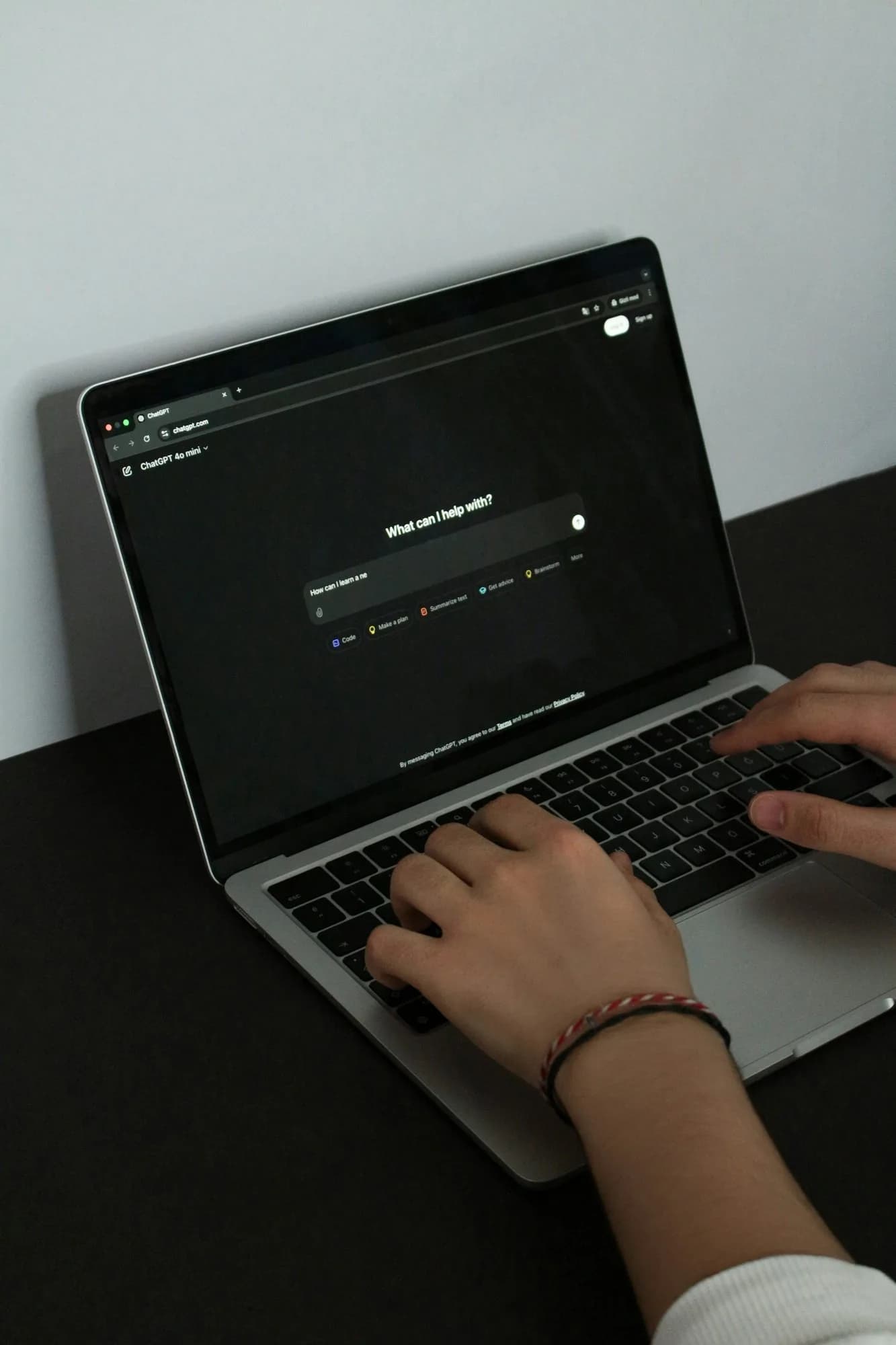
Use ChatGPT if you want one all-round assistant, Gemini if your life runs on Google apps, Claude for long documents and careful writing, Perplexity for research with sources, and Grok for fast-moving news and posts on X. All five have free versions. The best choice depends on the job, so most people end up using two.
What is the difference between these AI assistants?
All five are chat assistants built on large language models. You type or speak a request and they reply in plain language. They differ in what they connect to, how they show sources, and which extra tools come with the free plan. Here is the short version:
- ChatGPT: the general-purpose assistant most people try first.
- Gemini: Google’s assistant, close to Gmail, Docs and Search.
- Claude: Anthropic’s assistant, strong on reading and writing.
- Perplexity: an AI search engine that cites its sources.
- Grok: xAI’s assistant, with live search of the web and X.
ChatGPT vs Gemini vs Claude vs Perplexity vs Grok at a glance
Assistant | Made by | Free plan includes | Paid plans | Best for |
|---|---|---|---|---|
ChatGPT | OpenAI | Unlimited everyday text chats, with limits on uploads, images, voice and deep research | Go, Plus, Pro | All-round writing, planning and explaining |
Gemini | Image creation and editing, Deep Research, Gemini Live and Canvas | Google AI Plus, AI Pro, AI Ultra | Gmail, Docs and Drive users | |
Claude | Anthropic | Chat on web, desktop and mobile, web search, file creation, memory, up to five Projects | Pro, Max, Team | Long documents and careful writing |
Perplexity | Perplexity AI | AI search answers with cited sources | Pro and higher tiers | Research you need to check |
Grok | xAI | Chat with live web and X search | SuperGrok Lite, SuperGrok, SuperGrok Plus, SuperGrok Heavy | What people are saying right now |
Checked on the official pages on 27 September 2026: ChatGPT pricing, Google Gemini plans, Claude plans, Grok plans. Perplexity’s own pricing pages blocked our checks, so its row relies on Wikipedia.
Can you use them in Pakistan?
Yes, for the three biggest. OpenAI lists Pakistan among the supported countries for ChatGPT on web and mobile (OpenAI Help Center). Google lists Pakistan for the Gemini web app (Gemini Apps Help), and Anthropic lists Pakistan for Claude (Anthropic). Perplexity and Grok both offer free versions too. If a tool does not open for you, check its official help pages rather than using a workaround.
ChatGPT: the all-rounder
ChatGPT is the safe first pick. The free plan includes search, study mode and Projects, with limits on uploads, images and voice (ChatGPT pricing). Projects keep related chats, files and instructions together, which is handy for a thesis, a job search or a client (Projects in ChatGPT). Choose it when you want one tool that handles writing, planning, explaining and brainstorming reasonably well.
Gemini: best if you live in Google
Gemini makes sense if Gmail, Google Docs and Google Drive already hold your work. Its free plan includes image creation and editing, Deep Research, Gemini Live and Gems (Google Gemini plans). A Gem is a saved assistant with your own instructions, for example a revision tutor or a customer reply helper (Gems help). Google also has Gemini Notebook, formerly NotebookLM, which answers only from the sources you upload (Gemini Notebook).
Claude: long documents and careful writing
Claude is a good choice when you work with long reports, contracts, research papers or anything where tone matters. The free plan covers chat on web, desktop and mobile, web search, file creation and memory (Claude plans). Free users can also create up to five Projects, each with its own files and instructions (Claude Help Center).
Perplexity: research with sources
Perplexity works like a search engine that writes the answer for you. It builds responses from current web pages and cites the sources it used, with a free version and a paid Pro plan (Wikipedia: Perplexity AI). Pick it when you need to know where a fact came from. Then open the sources, because a citation only helps if it really says what the answer claims.
Grok: news and live posts
Grok is xAI’s assistant. It searches the web and X live, and it is free to try on the web and in its apps, with a paid SuperGrok plan for higher limits (xAI). It suits questions about what people are saying right now. Posts on X are opinions, not verified facts, so treat those answers as a starting point.
What about Microsoft Copilot and DeepSeek?
Microsoft Copilot works in its own app and inside Word, Excel, PowerPoint and Outlook on Microsoft 365 plans that include AI features (Microsoft). It is worth a look if your office runs on Microsoft. DeepSeek has a web chat and a mobile app. Before you paste work or personal files into any assistant, read its privacy terms.
Which AI should you use for each job?
- Studying a hard topic: ChatGPT study mode or Gemini, then check with your textbook.
- Research with sources: Perplexity, or the search mode in ChatGPT or Gemini.
- Summarising a long PDF: Claude or Gemini Notebook, with quotes and page numbers.
- Emails and applications: any of the big three, then edit into your own voice.
- Spreadsheet formulas: ChatGPT or Gemini, tested on a copy of your sheet.
- Breaking news and trends: Grok or Perplexity, then confirm with a news source.
Which AI is best for freelancers and small businesses?
For freelance and office work, the question is which tool saves the most editing time on your real tasks. A common setup:
- Upwork and Fiverr proposals: ChatGPT or Claude, fed with the job post and your own past work.
- Client research: Perplexity, then open the sources before you quote a figure to a client.
- Contracts and long briefs: Claude, asking for exact quotes with section numbers.
- Spreadsheets and email in Google Workspace: Gemini, since it sits next to your files.
- Social media trends for a campaign: Grok for what is being posted, checked against a news source.
A three-prompt test you can run today
Run the same three prompts in two or three assistants and compare. For example: "Summarise this job post in five bullet points and list what the client really needs", "Rewrite this message to a customer so it is polite but firm, under 80 words", and "What are three sources I should read to understand FBR sales tax registration? Link them." Score each answer on accuracy, tone and how much you had to fix.
How to choose in 20 minutes
Take one real task you do every week and run the same prompt in three assistants. Compare the answers on accuracy, clarity and how much editing each needs. Keep the winner for that task. The quality of your prompt affects the result as much as the tool does, so read how to write prompts for ChatGPT, Gemini and Claude before you test.
What do the paid plans cost?
Pricing pages often show prices in the local currency of wherever you open them, so what you see from Pakistan can differ from what we saw. These are the figures we could confirm on official pages.
Assistant | Entry paid plan | What we could confirm on 27 September 2026 |
|---|---|---|
ChatGPT | Go, then Plus | Plus is $20 a month, billed monthly (OpenAI Help Center). Go is available in every country ChatGPT supports, and purchases are in US dollars except in a few countries with local billing (ChatGPT Go). |
Claude | Pro | $20 a month billed monthly, or $17 a month billed yearly. Max starts from $100 a month (Claude pricing). |
Gemini | Google AI Plus | Priced per country; open the plans page from Pakistan to see your price. |
Perplexity | Pro | Not confirmed on an official page; check its site before paying. |
Grok | SuperGrok Lite | Plan names confirmed; prices appear after you sign in. |
Paying from Pakistan usually means an international card, and your bank may add currency conversion charges. Try the free plan for a few weeks first. If you keep hitting the same limit, that is the sign a paid plan is worth it.
What happens to what you type?
Before you paste a client file, an exam paper or your CNIC details into any assistant, know how it uses your chats. The settings differ:
- ChatGPT: turn off "Improve the model for everyone" in Settings, Data controls, and your new conversations will not be used to train OpenAI’s models (OpenAI Help Center).
- Gemini: a subset of chats is read by human reviewers. Turning off Keep Activity stops future chats being reviewed to improve Google services, and Google asks you not to enter confidential information (Gemini Apps Privacy Hub).
- Claude: chats are used to improve Claude only if you allow it in your privacy settings, or if they are flagged for safety review. Incognito chats are not used (Anthropic Privacy Center).
- Perplexity and Grok: read each one’s privacy settings before you share anything sensitive.
The safe habit is the same everywhere: remove names, numbers and private details before you paste.
Should you start free or paid?
Not to start. The free plans cover most daily use, and their limits tell you whether a paid plan is worth it. Paid plan prices change and can differ by country, so check the official pricing page before you pay. Whichever tool you choose, learn to check its answers: our guide to fact-checking AI answers shows how.
If you want to learn all of these properly, with real tasks and feedback, the SkillsVerx AI Skills course covers prompting, research, fact-checking and choosing the right tool, fully online.
Frequently asked questions
Which AI is best for students?
ChatGPT and Gemini both have learning modes that guide you step by step instead of just giving the answer. Use either one, and check facts against your course material.
Which AI is best for research?
Perplexity, because it cites sources by default. ChatGPT and Gemini can also search the web. In every case, open the sources and read them yourself.
Is ChatGPT better than Gemini?
Neither wins every task. ChatGPT is a strong all-rounder, and Gemini fits better if you work in Google apps. Test both on your own tasks and keep the one that needs less editing.
Is ChatGPT Plus worth paying for?
Only if the free plan limits slow you down every week. Plus was $20 a month on 27 September 2026, and Go sits below it with higher limits than Free. Use the free plan on your real tasks for a few weeks, note which limit you hit, then decide.
Which AI works best in Urdu or Roman Urdu?
Quality in Urdu and Roman Urdu varies by assistant and by task, and it changes with each model update. Test the same Urdu prompt in two assistants and ask a native speaker to check the reply before you send it to a customer.
Can I use more than one AI assistant?
Yes, and many people do. A common setup is one general assistant for writing and planning, plus Perplexity for research with sources.
Learn AI Skills hands-on
Turn this into a skill with a real, project-based course and a mentor in the room.