AI Skills Crash: 2 days
One focused skill or tool, learned over a weekend.
Overview
What happens in this tier
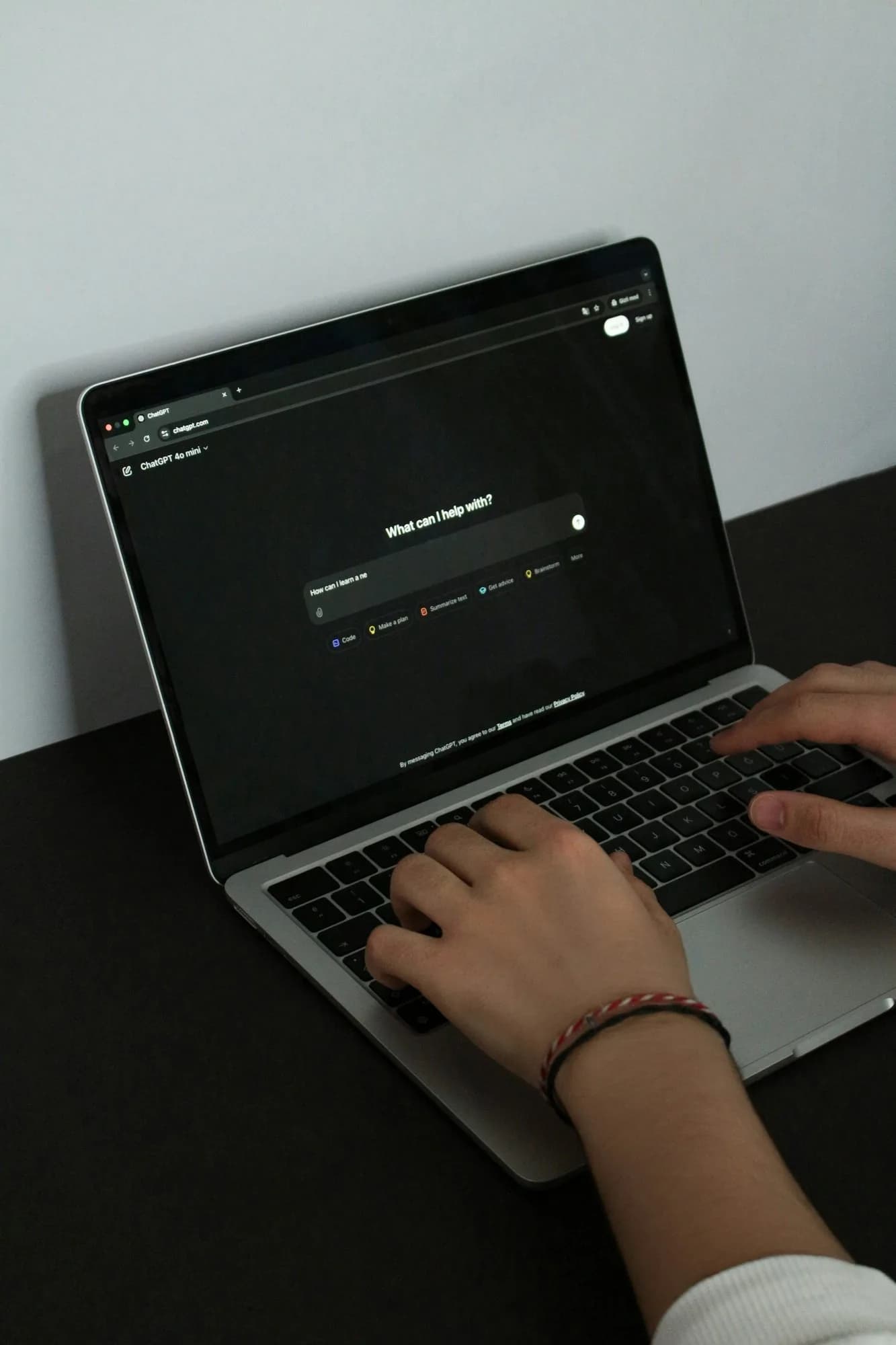
AI Skills Crash is a weekend ChatGPT crash course, or the same 2 days spent on Gemini or Claude if one of those is the assistant you already use. You learn one assistant properly: how to ask it for what you want, how to check what it tells you, and where it fits in your normal week.
The first day is about prompting. You bring real tasks from your own life, such as a letter to a landlord, notes from a lecture or a reply to an unhappy customer. You learn to give the assistant a role, a clear task, your context and the format you need, then to steer it with follow-up messages instead of starting again.
On day two you turn those skills into habits. You summarise a PDF and check the summary against the original, draft and edit an email until it sounds like you, and set the privacy settings you want before you paste anything personal. A single weekend will not make you an expert in every tool, and it is not meant to. Comparing assistants, research with sources and spreadsheets come in Sprint and later tiers.
Who it's for. Crash suits busy people who already open ChatGPT, Gemini or Claude now and then and want to get real work out of one of them by Monday. If you want to learn research, fact-checking and several tools over a month, Sprint is the better start.
What you walk away with. You can use one AI assistant confidently for everyday writing, summarising and planning, and check its answers before you rely on them.
In this tier
What exactly you cover
- The four parts of a good promptRole, task, context and format: what each one changes in the answer, shown on the tasks you brought with you.
- Steering, not restartingFollow-up messages that fix tone, length and missing details, so a weak first answer becomes a usable one in two or three turns.
- A quick checking routineThree questions to ask of any answer before you use it: what is the source, what could be wrong, and who would notice.
- Privacy settingsWhere the history, memory and training controls live in your chosen assistant, and what you decide never to paste into it.
You will build
What you will have made
- A personal prompt kit: tested prompts for the tasks you repeat every week, saved where you can reuse them on Monday.
Batches
Upcoming Crash batches
Batch dates are announced soon. Register your interest and we will reach out on WhatsApp as soon as a new batch opens.
Register
Register for AI Skills Crash
Looking at other tiers? See every AI Skills tier.
FAQ
Questions about AI Skills Crash
Which assistant should I choose for the Crash weekend?
Choose the one you are most likely to keep using. If your email and files live in Google, Gemini is a natural fit. ChatGPT and Claude are just as good for everyday work. The prompting and checking habits you learn carry over to any of them.
Do I need a paid AI subscription for the Crash tier?
No. Everything in this tier works on the free plans of ChatGPT, Gemini and Claude. Free plans have usage limits, so you may hit a cap on a busy day. That is useful to know before you decide whether a paid plan is worth it for you.
Can you really learn ChatGPT in two days?
You can learn to use it well for your own daily tasks in two days. You cannot learn every feature or every other tool in that time. Crash gives you the core habit of clear prompts and checked answers, which is what most people are missing.