Video Editing Sprint: 30 days
One core skill and your first hands-on projects.
Overview
What happens in this tier
Video Editing Sprint is a 30-day course that teaches one core skill: editing short-form video to a professional standard in Premiere Pro and CapCut. Within the month you cut, caption, mix and export your first set of reels, shorts and ads, and learn the habits that make every later edit faster.
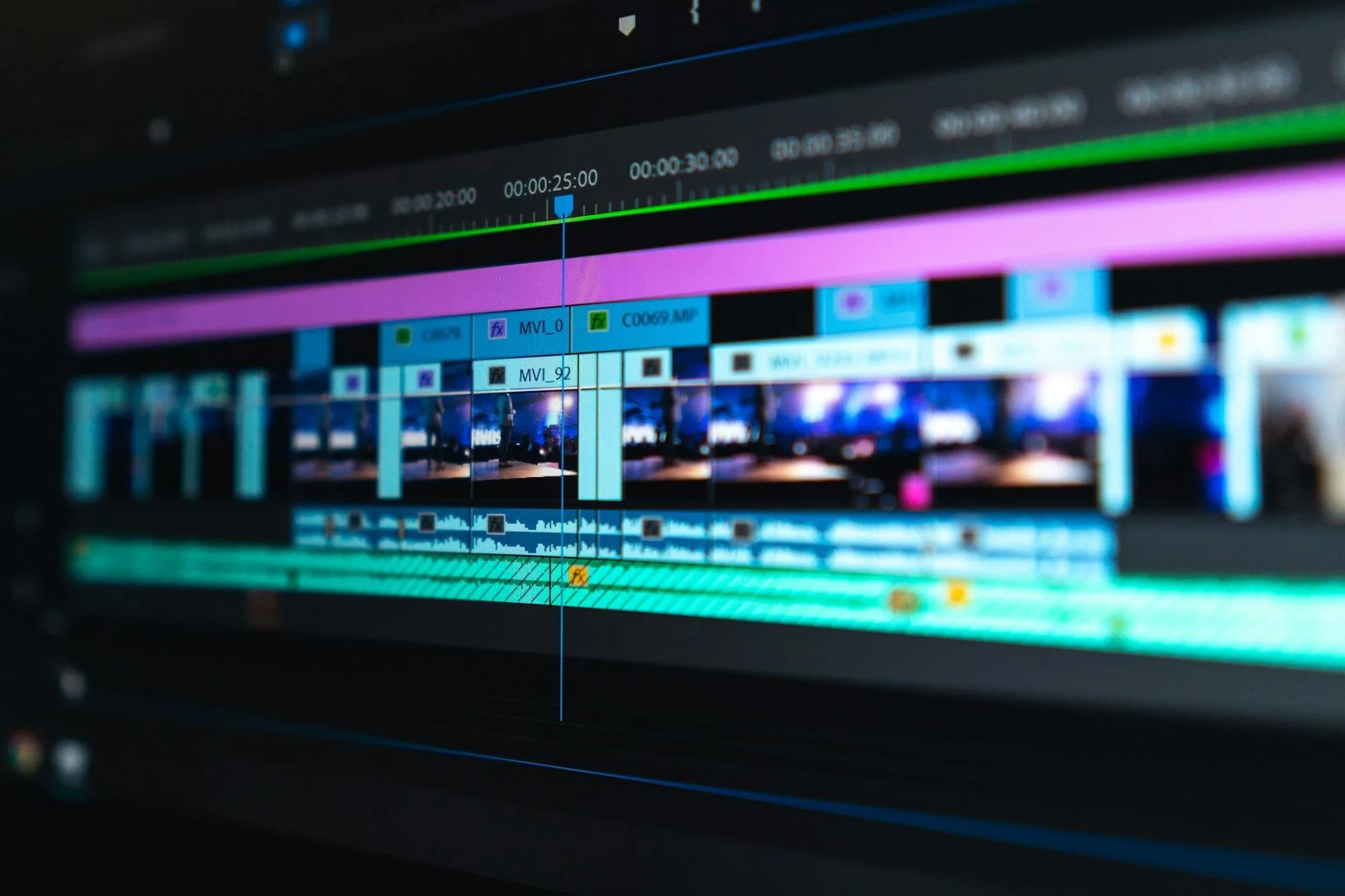
The month starts in Premiere Pro with project setup, bins and keyboard shortcuts, then a one-minute story cut from raw clips. CapCut covers fast vertical work with auto captions and beat syncing. Sound gets its own block, because bad audio loses viewers faster than a bad cut: you clean dialogue, reduce noise and balance music under a voice.
AI features appear where they save real time, such as transcripts, text-based editing and auto captions, and you compare an AI-assisted rough cut with a manual one. Colour grading in DaVinci Resolve, motion titles and long-form YouTube editing stay in Track and Pro. Sprint gives you a tight short-form skill and pieces worth sharing.
Who it's for. Sprint is for beginners who want a real editing skill in a month, including Premiere Pro and sound. If you also want long-form YouTube work and a finished showreel, pick Track.
What you walk away with. You can edit short-form video in Premiere Pro and CapCut with clean sound and captions, and you have your first finished edits to share.
In this tier
What exactly you cover
- Premiere Pro foundationsProject setup, bins, shortcuts and a clean timeline, then a one-minute story cut from raw clips and exported correctly.
- Short-form in CapCutFast vertical edits with auto captions and beat syncing, plus a side-by-side test of hooks across Reels, TikTok and Shorts.
- Sound clean-up and mixingNoise reduction, dialogue clean-up and music balanced under voice so every video sounds steady on phone speakers.
- AI-assisted editingTranscripts, text-based editing and auto captions in Premiere Pro and CapCut, tested against an edit you make by hand.
You will build
What you will have made
- A one-minute story edit in Premiere Pro from raw footage
- A set of three vertical videos for Reels, TikTok and Shorts from shared footage
- A short social ad with clean, mixed audio and captions
Batches
Upcoming Sprint batches
Batch dates are announced soon. Register your interest and we will reach out on WhatsApp as soon as a new batch opens.
Register
Register for Video Editing Sprint
Looking at other tiers? See every Video Editing tier.
FAQ
Questions about Video Editing Sprint
Is one month enough to become a video editor?
One month is enough to edit short-form video well, which is work many small businesses and creators need. Long-form storytelling, colour grading and client delivery on top of that take more time, which is why Track and Pro run longer.
What computer do I need for the Sprint?
A laptop or desktop that meets Adobe’s published system requirements for Premiere Pro, plus headphones and a stable internet connection. Check the requirements page before you register, since an underpowered machine turns every export into a long wait.
Do I need to buy Premiere Pro?
You need access to Premiere Pro for the month, and Adobe licenses it through a subscription. CapCut has a free version that covers the short-form exercises. Look up current Adobe plans and prices on Adobe’s own site before your batch begins.