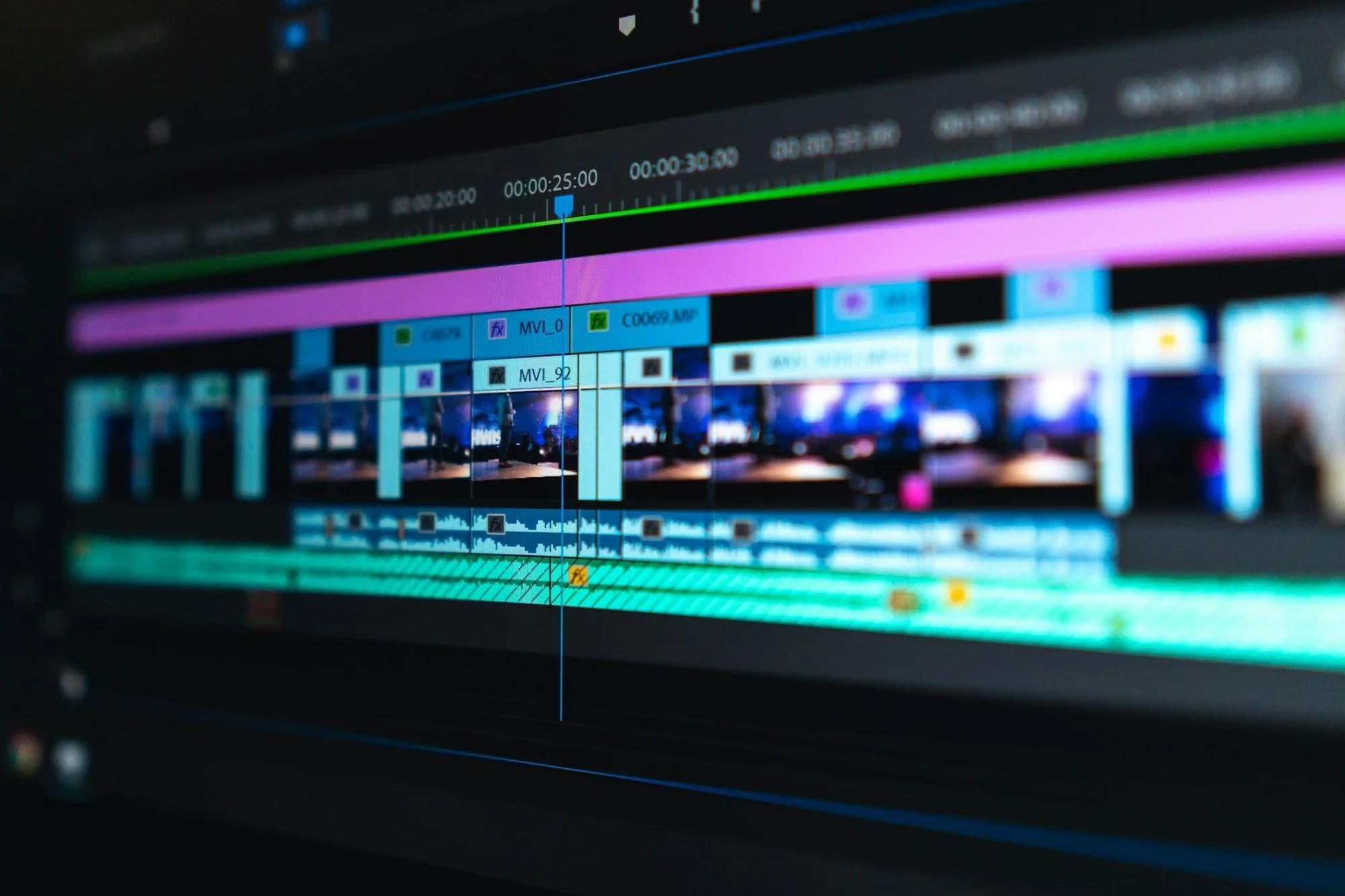
Learn CapCut first if you want to edit reels and short-form video quickly, on a phone or a modest laptop, for little or no money. Learn Premiere Pro first if you are aiming at long-form YouTube, ads or agency work that expects a professional suite. Many working editors in Pakistan end up using both.
What does CapCut do well?
CapCut is free to start, runs on phones, desktop and the web, and is built for fast, trend-driven editing. Automatic captions, one-tap transitions and templates match popular Instagram and TikTok formats. It is the fastest way to go from raw footage to a published reel, which is why so much short-form content is edited on it.
What does Premiere Pro do well?
Premiere Pro is the industry standard for longer, more controlled edits: YouTube videos, corporate content, ads, and anything that needs precise colour, multi-track audio or detailed timeline control. It is part of the Adobe ecosystem, so it works closely with After Effects for motion graphics and Photoshop for graphics.
How much do CapCut and Premiere Pro cost?
CapCut has a free version. For CapCut Pro, CapCut says the price varies by region, device and promotion, and points you to the subscription page inside the app. Its April 2026 plan update lists 1,200 AI credits and 1TB of cloud storage on Pro. A cheaper Standard plan exists in some regions, but Standard benefits work only in the mobile app, while Pro covers mobile, desktop and web.
Premiere Pro has no free tier, only a 7-day free trial. On Adobe's plans page in September 2026, the Premiere single-app plan cost €26.86 a month on an annual plan billed monthly. That price includes 100GB of cloud storage, Frame.io and 25 generative credits a month. Students and teachers could get the full Creative Cloud Pro bundle for €19.99 a month. We checked from Europe, so open the page from Pakistan to see your local price.
How do you pay for Adobe from Pakistan?
Adobe charges a card every month, so you need a debit or credit card that works for international online payments. Some cards need international online use switched on first, so check with your bank before you sign up. The price moves with the exchange rate, and the annual plan is a year-long commitment. Read the cancellation terms at checkout before you pay.
Can Premiere Pro run on a low-spec laptop?
Adobe publishes minimum and recommended specs for each Premiere Pro release on its Help Center. Those pages blocked our checks, so we are not quoting numbers. Look up the current requirements before you pay, because they rise with new versions. CapCut's desktop editor asks for much less: Windows 7 or later, with Windows 10 recommended, or macOS 10.14 or later.
On an older laptop, edit at 1080p, keep footage on the fastest drive you have, close other apps, and cut from lower-resolution proxy copies of heavy files. These habits help in every editor.
CapCut vs Premiere Pro, feature by feature
- Price: CapCut is free to start, with regional Pro pricing; Premiere Pro is a paid subscription after a 7-day trial.
- Platforms: CapCut runs on phones, desktop and web; Premiere Pro is built for desktop, with a mobile app included in the plan.
- Audio: CapCut has text to speech and AI voice effects; Premiere Pro adds Enhance Speech to remove background noise, plus 50 professional audio effects.
- Colour: CapCut has colour wheels and automatic adjustment; Premiere Pro has Lumetri Color, AI Color Match and a new Color Mode in beta.
- Export: both export straight to social platforms; Premiere Pro gives you far more control over export settings for client delivery.
- AI features: CapCut has auto captions, background removal, AI upscaling and video generation; Premiere Pro has Generative Extend, Media Intelligence search, text-based editing and caption translation in 18 languages.
- Collaboration: CapCut syncs projects across your devices; Premiere Pro has Team Projects for real-time co-editing and Frame.io for client review.
- Learning curve: CapCut is quicker to pick up; Premiere Pro takes longer but rewards you with far more control.
Which has the better AI features?
They aim at different jobs. CapCut’s AI is about speed: captions in a click, background removal without a green screen, upscaling of low-quality clips, and generated video or voices for quick social posts. For a reel due tonight, that saves real time.
Premiere Pro’s AI is built around the edit itself. Generative Extend adds frames to a clip that ends too early. Media Intelligence lets you search hours of footage by describing what is in a shot. Text-based editing turns a transcript into a rough cut. On long interviews and client projects, these save hours rather than minutes.
Is CapCut good enough for YouTube?
For many channels, yes. CapCut handles talking-head videos, vlogs and tutorials with captions, music and simple graphics, and it exports at YouTube-friendly sizes. The limits show on long, complex edits: many tracks, detailed audio mixing, precise colour matching across cameras, or a team working on one project. That is where Premiere Pro or DaVinci Resolve earns its place.
Can you use CapCut and Premiere Pro together?
Yes, and many editors do. A common split is to build the long video in Premiere Pro, export it, then cut vertical shorts from it in CapCut. Premiere handles the careful master edit, and CapCut adds trending captions and templates for each short. If a client hands you a CapCut project, you can deliver in CapCut and keep Premiere for work that needs it.
What about DaVinci Resolve as a free alternative?
DaVinci Resolve is the strongest free option if you want professional tools without a subscription. The free version covers editing, colour, visual effects, motion graphics and audio. It runs on Windows, Mac and Linux, and exports up to Ultra HD at 60 frames per second. Its colour page is the main reason colourists choose it.
The paid Studio version costs a one-time $295 and adds AI tools, 10-bit video and higher frame rates. The catch for beginners is the learning curve: Resolve has more pages and settings than CapCut.
Which tool fits your goal?
- Reels for local shops and creators: CapCut, on a phone or laptop.
- Your own YouTube channel: CapCut to start, then DaVinci Resolve or Premiere Pro as edits get longer.
- An agency or production house job: Premiere Pro, since agencies that share projects across a team often standardise on it.
- An older laptop and no budget: CapCut for short-form, DaVinci Resolve free for long-form at 1080p.
- Colour grading as a specialism: DaVinci Resolve, whose free version includes its colour page and HDR grading tools.
Which one should you actually learn first?
If your goal is editing reels and short-form content for local businesses or influencers, start with CapCut. It gets you shippable work fast, and many small businesses in Pakistan want Instagram reels edited right now. If your goal is agency work, YouTube channels or ads that need a polished finish, invest the extra time in Premiere Pro or DaVinci Resolve from the start.
SkillsVerx's video editing course teaches both, since real client work rarely stays in one format: a client who wants reels today often asks for a longer brand video next month. For pay, demand and career paths, read Is Video Editing a Good Career in Pakistan?.
Editing and design overlap in social content packages that mix video, graphics and captions. If you are building a broader creative skillset, How to Become a Graphic Designer in Pakistan With No Design Degree is a useful companion read.
Frequently asked questions
Is CapCut free?
CapCut has a free version with automatic captions and core editing tools. CapCut Pro is a paid subscription, and CapCut says its price varies by region, device and promotion.
Can I do professional work with just CapCut?
Yes, for short-form content especially. Many working editors deliver polished reels and social content entirely in CapCut. For longer, more technical projects, Premiere Pro’s deeper control becomes more valuable.
Do I need an expensive computer to learn Premiere Pro?
You need a capable computer, but not a high-end one, to start learning. Check Adobe’s current system requirements before you subscribe. If your laptop is older, start in CapCut or DaVinci Resolve at 1080p.
Is DaVinci Resolve better than Premiere Pro?
Not better, different. Resolve is free and strongest at colour, while Premiere Pro fits teams already paying for Adobe and working with After Effects. Learn the one your target clients or employer use.
Is it hard to switch from CapCut to Premiere Pro later?
No. Cutting, pacing, captions and audio balance carry over. You spend your time learning where things are in the new interface, not relearning how to edit.
Should I learn both tools eventually?
Most working editors in Pakistan end up comfortable in both, since clients ask for different formats: a business might want CapCut-style reels one week and a longer Premiere Pro edit the next.
Learn Video Editing hands-on
Turn this into a skill with a real, project-based course and a mentor in the room.